

Video cuts
detection
Overview
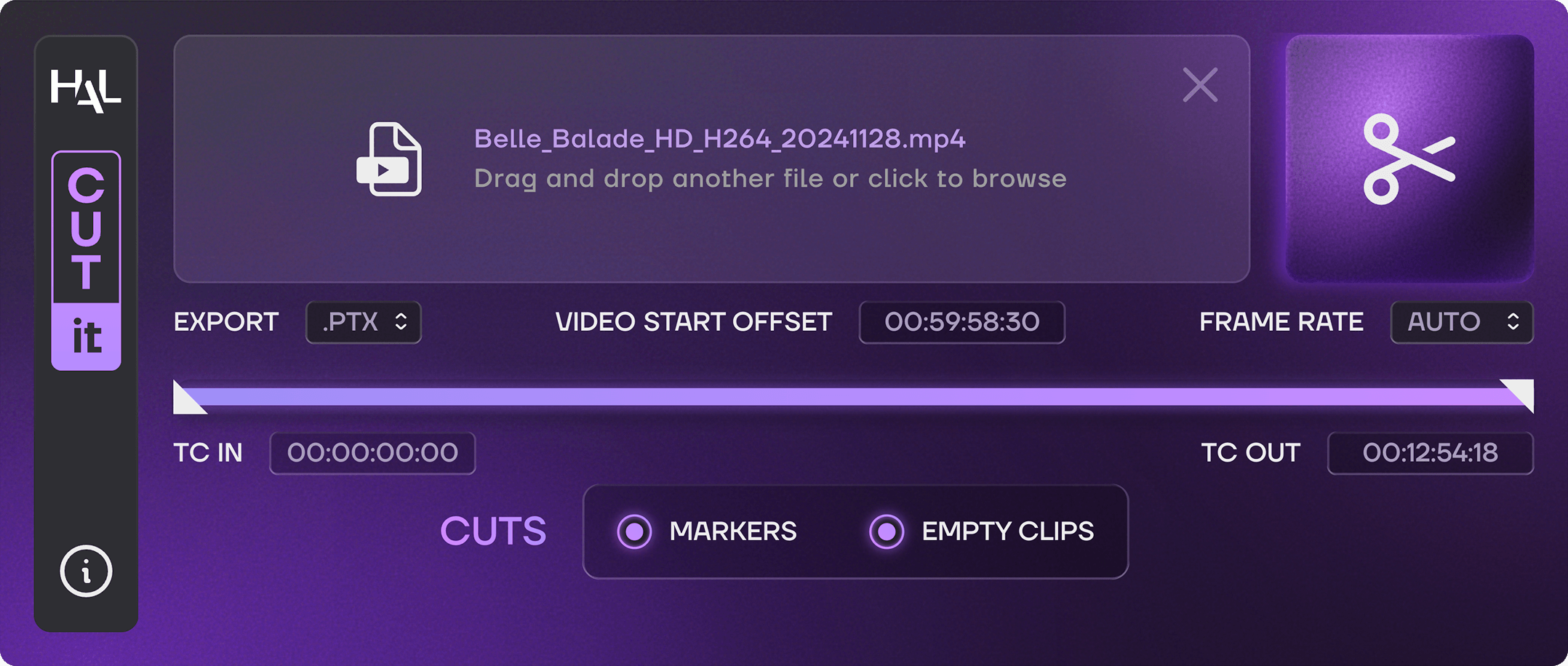
CUT-IT is an app designed for sound editors who want to quickly detect and spot video cuts in their DAW.
Simply import a video file, and CUT-IT automatically detects every picture edit. The detected cuts can then be exported as an AAF containing markers and/or empty clips, ready to be imported into your favorite DAW.
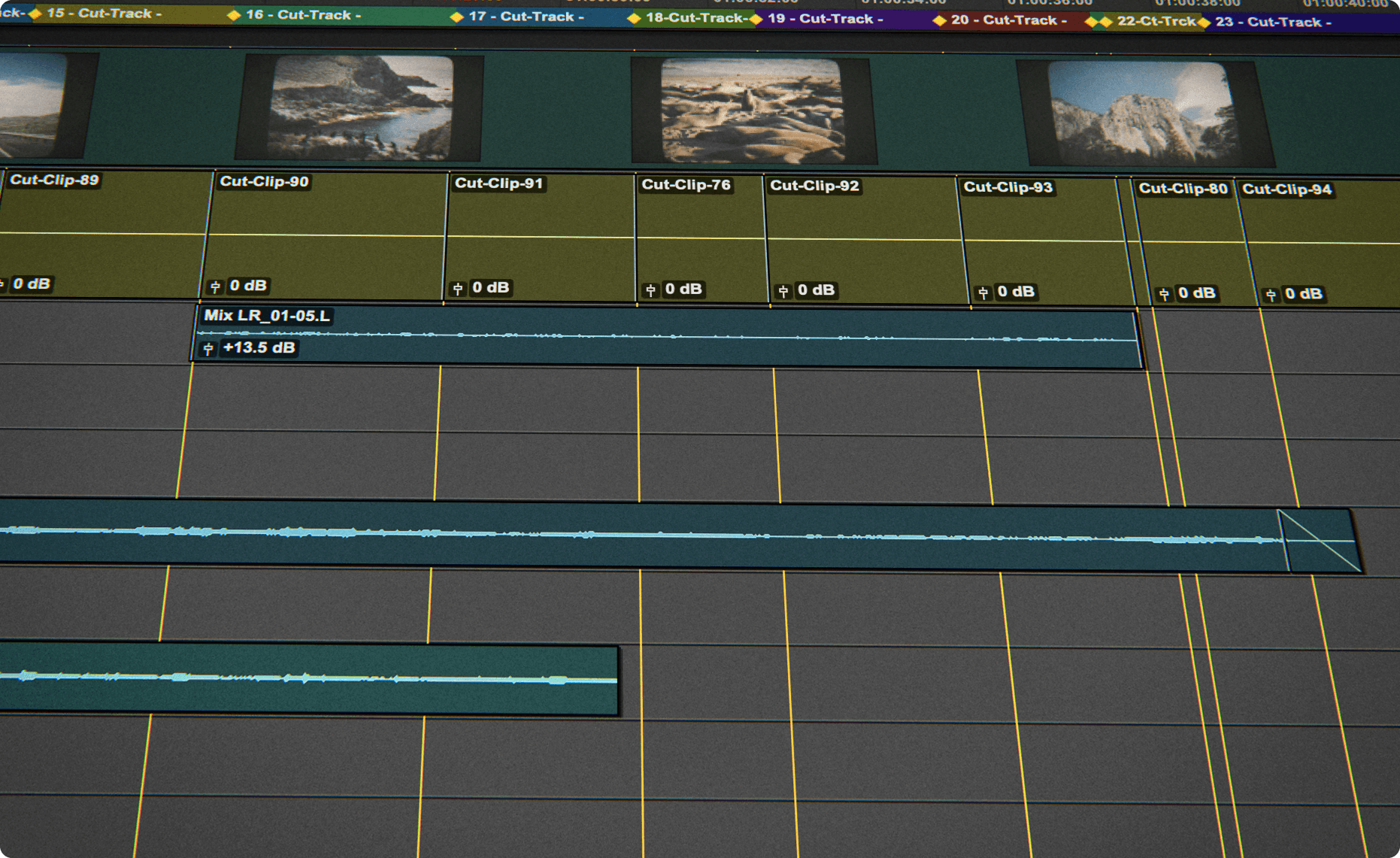
This provides a clear visual representation of the picture edit directly on your timeline, helping you work faster, navigate scenes more efficiently, and focus on creative sound editing rather than manual spotting.
How CUT-IT works
FAST AND STRAIGHTFORWARD VIDEO CUT DETECTION
Easy to use : drag and drop a video or an EDL file into CUT-IT, and click on the « CUT-IT » button to export a cut track and/or markers. It is very helpful for editing the audio according to the cuts of a video!
In Depth
 CUT-IT is a standalone application for macOS and Windows.
Size : 72 MB (macOS), 64 MB (Windows).
CUT-IT requires a free iLok account. What is iLok?
What is iLok?
All HAL Audio plug-ins and software use iLok for copy protection.
iLok is a fast and free third-party license management system that allow users to store their product activations on an iLok dongle, iLok Cloud or on their computer.
To begin using your plug-in or software, simply activate your product license using the free iLok License Manager software that you can download on ilok.com. In iLok Licence Manager, go to Licences > Redeem Activation Code, and then enter your activation code. You can now start using you product!
macOS 13.0 or higher (Intel / Apple Silicon) (64-bit).
Windows 7 or higher (64-bit).
iLok 2 or higher (dongle, computer or cloud protection).