
The model-training companion for Morphosis
BRAIN is a powerful model-training software designed for professional post-production teams.
It allows studios to create custom voice and sound models from existing audio archives or dedicated recording sessions, then use them directly in MORPHOSIS.
Running locally and offline, BRAIN helps teams keep control over their audio files, trained models and associated rights, with no cloud training and no external upload.
Designed primarily for voice-related post-production needs, BRAIN supports use cases such as voice continuity, ADR, altered or unavailable voices, age variations and alternative vocal versions.
As with any professional training tool, model quality depends directly on source quality: cleaner, better-prepared recordings lead to stronger models.
Simply drag’n drop your own samples from your computer into BRAIN to access the preview and meta-data panel and customize your model.
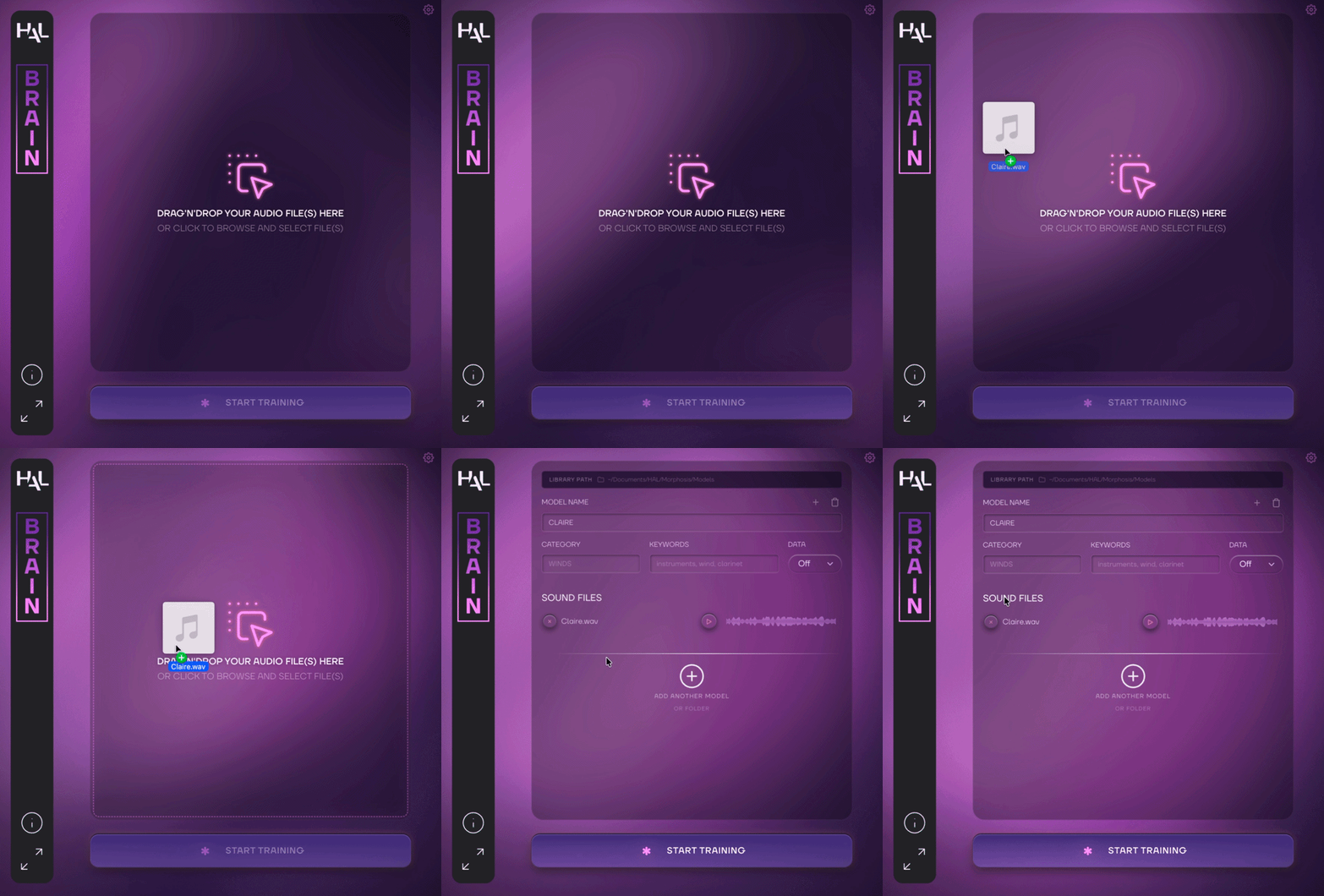
After loading all the samples required to create your model, choose a model name and assign it to a category. The category will later appear in MORPHOSIS, making it easier to locate.
You can also add keywords to help you quickly find specific models in your library using the MORPHOSIS search bar.
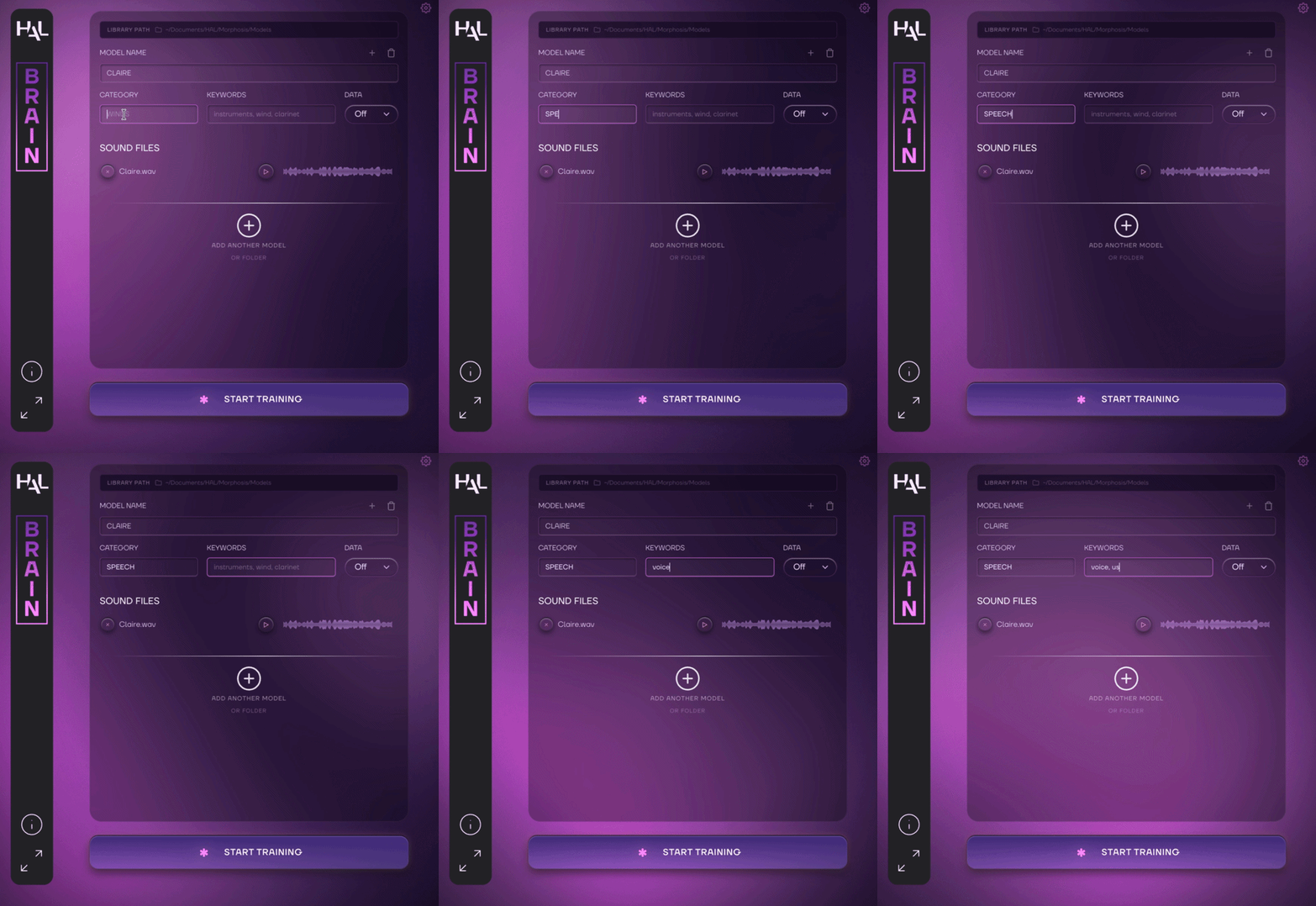
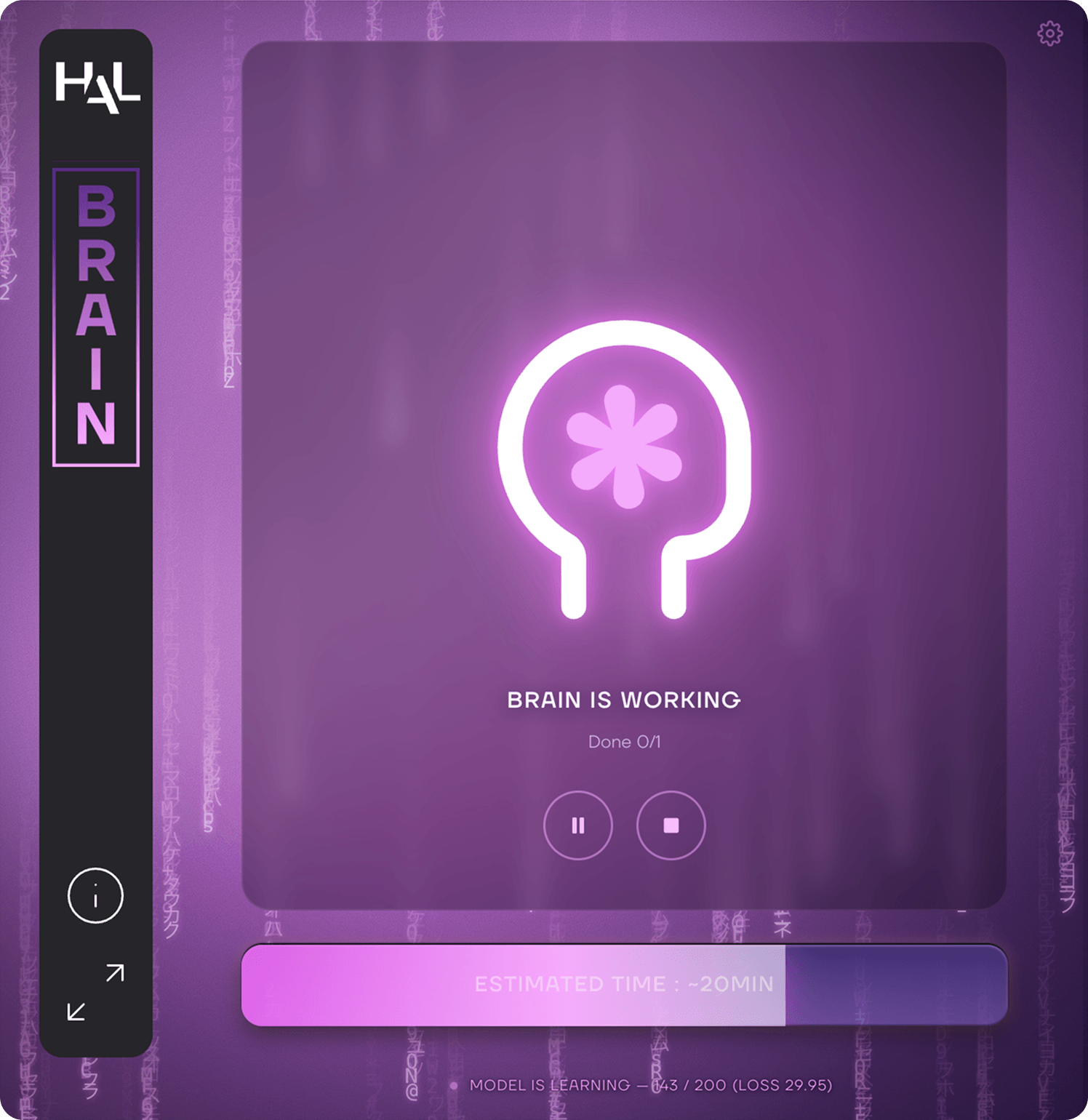
Once you’re done simply click the Start training button and let BRAIN do the work.
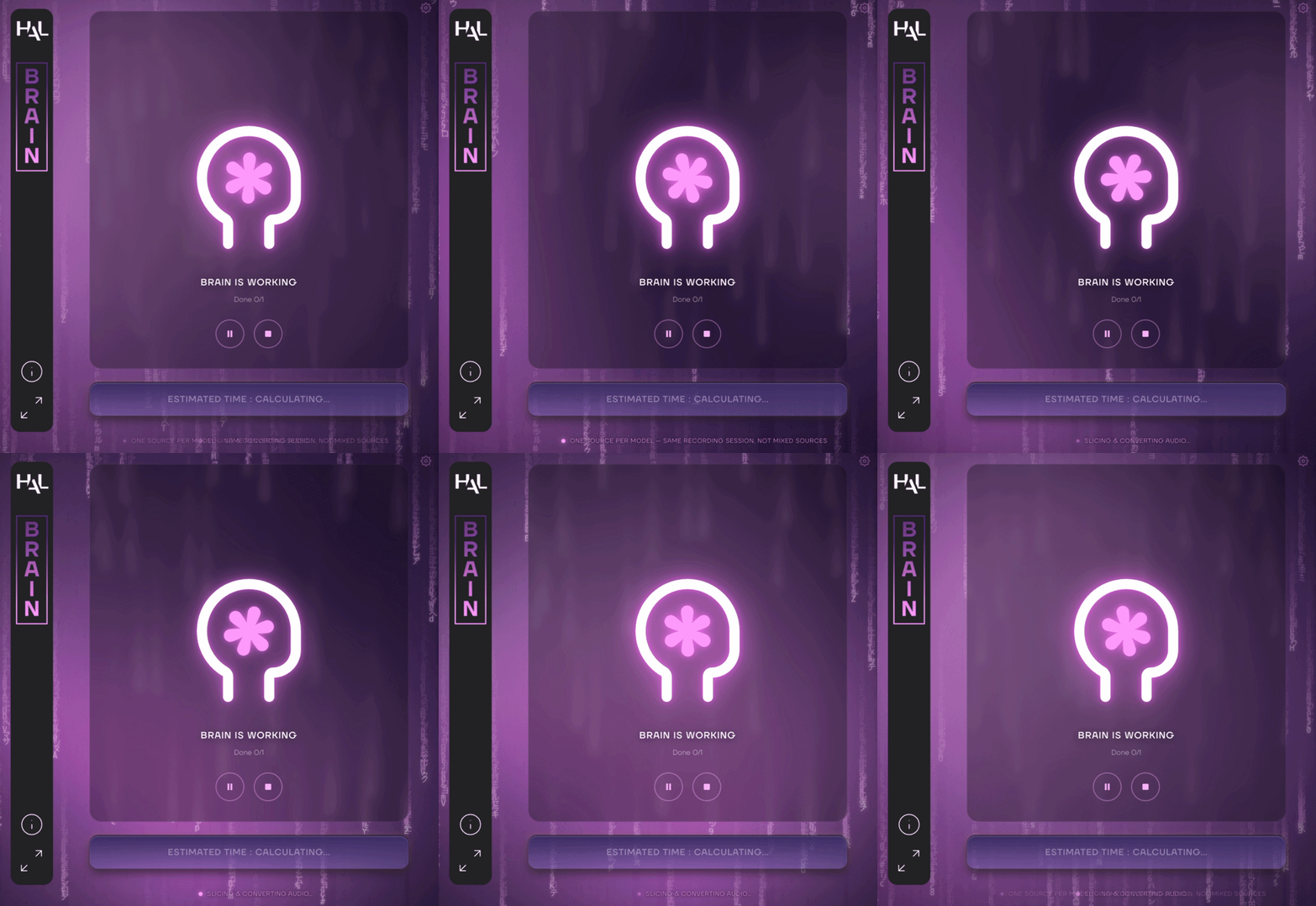
Create your audio models with BRAIN.
Use them in MORPHOSIS.
 BRAIN is a standalone application for macOS and Windows.
Size : 4.98 GB (macOS), 4.79 GB (Windows).
BRAIN requires a free iLok account. What is iLok?
What is iLok?
All HAL Audio plug-ins and software use iLok for copy protection.
iLok is a fast and free third-party license management system that allow users to store their product activations on an iLok dongle, iLok Cloud or on their computer.
To begin using your plug-in or software, simply activate your product license using the free iLok License Manager software that you can download on ilok.com. In iLok Licence Manager, go to Licences > Redeem Activation Code, and then enter your activation code. You can now start using you product!
macOS 13.0 or higher (Apple Silicon only) (64-bit).
Windows 10 or higher (64-bit).
iLok 2 or higher (dongle, computer or cloud protection).