

The Send Mixer
for Pro Tools
Overview
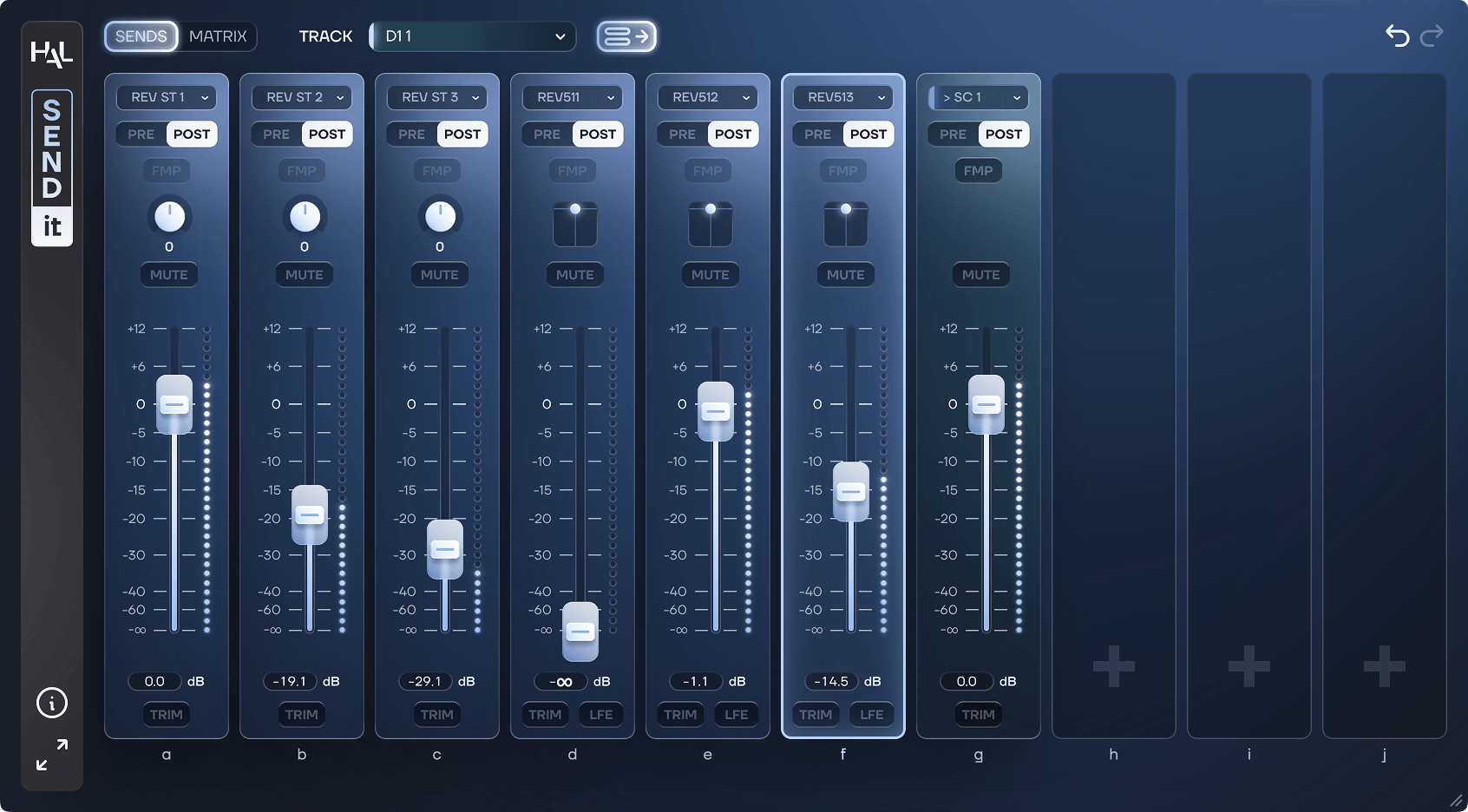
SEND-IT is a plug-in for Pro Tools users who need advanced control over their track sends.
Visualise each track’s sends in a simple mixer and adjust send levels, trim, pan, Pre/Post fader states, mute, LFE level… SEND-IT can automatically update its interface depending on your track selection.
SEND-IT also lets you create, delete, rename, move and color-code your sends across multiple tracks and slots at once.
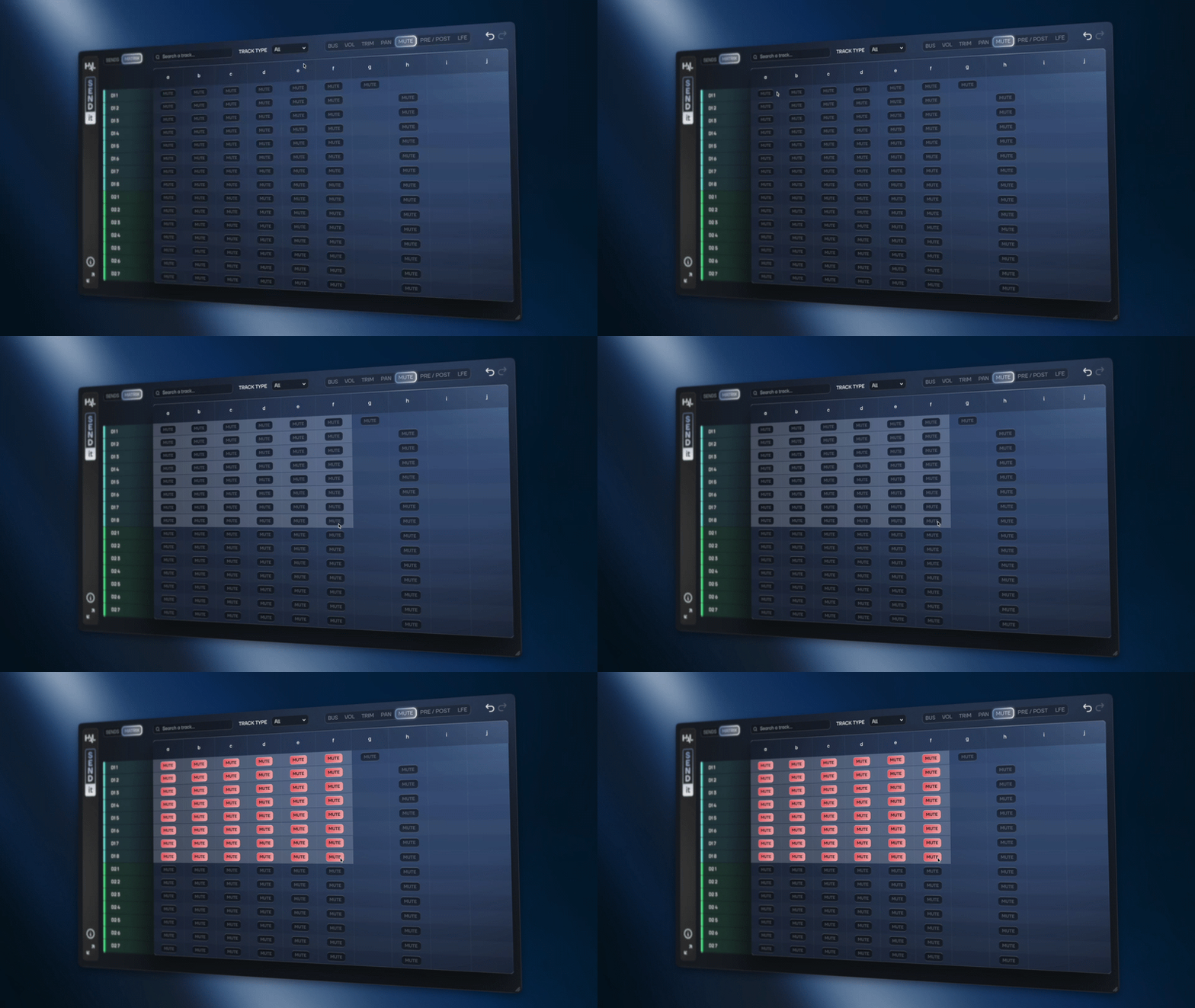
Need to manage sends across an entire session? Switch to Matrix mode to get a clear overview of all your send assignments and settings. Select any sends and adjust their parameters simultaneously, making even complex sessions easier to navigate.
Unlock your Pro Tools sends.
How SEND-IT works
DEDICATED BUS MIXER
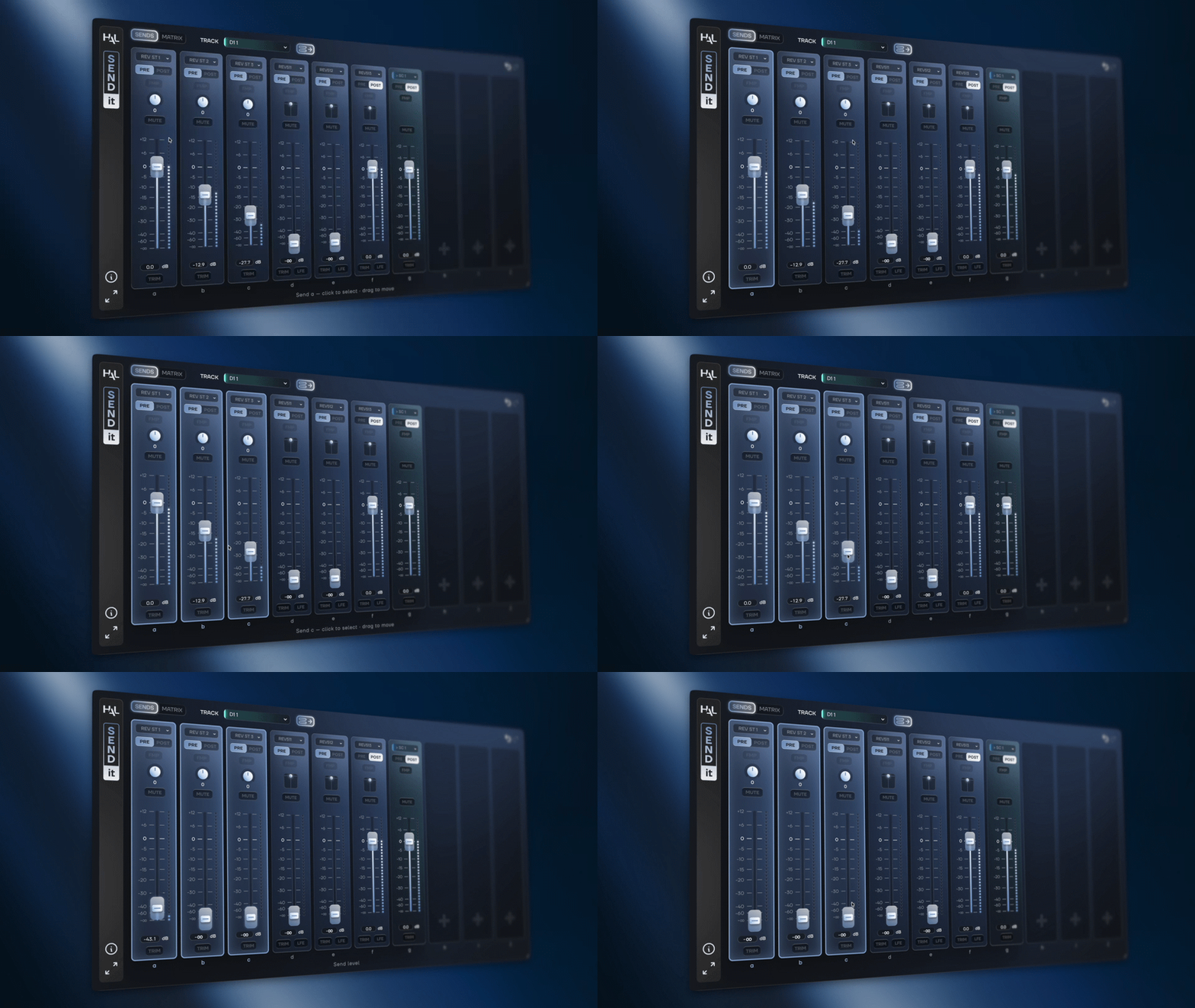
Open SEND-IT on any track to access all its sends from a single mixer-style interface and adjust all send parameters without opening individual send windows.
Select multiple slots to link parameters and mix your sends simultaneously.
AUTOMATE THE PRE/POST FADER STATE
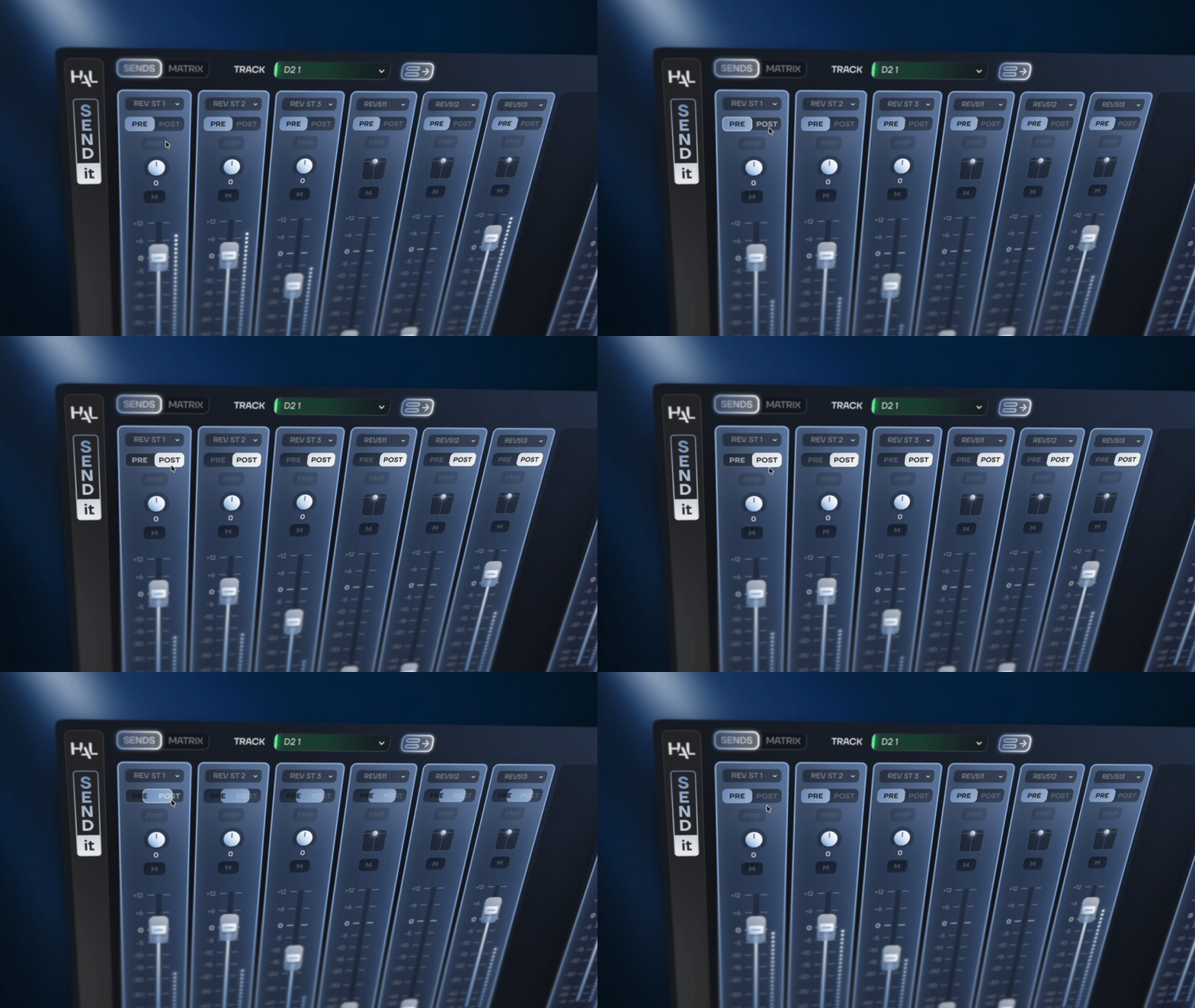
Have we already told you that you can now automate the Pre/Post fader states for all your sends?
SEND-IT works even when closed with a dedicated shortcut to toggle the Pre/Post state directly from the Pro Tools interface (just ⌥ ⇧ click on any send slot).
TAKE CONTROL OF YOUR ENTIRE SESSION
Switch to the Matrix view to visualize, manage and control any bus across your entire Pro Tools session from a single window.
Simple ideas that were complex to perform become a piece of cake.
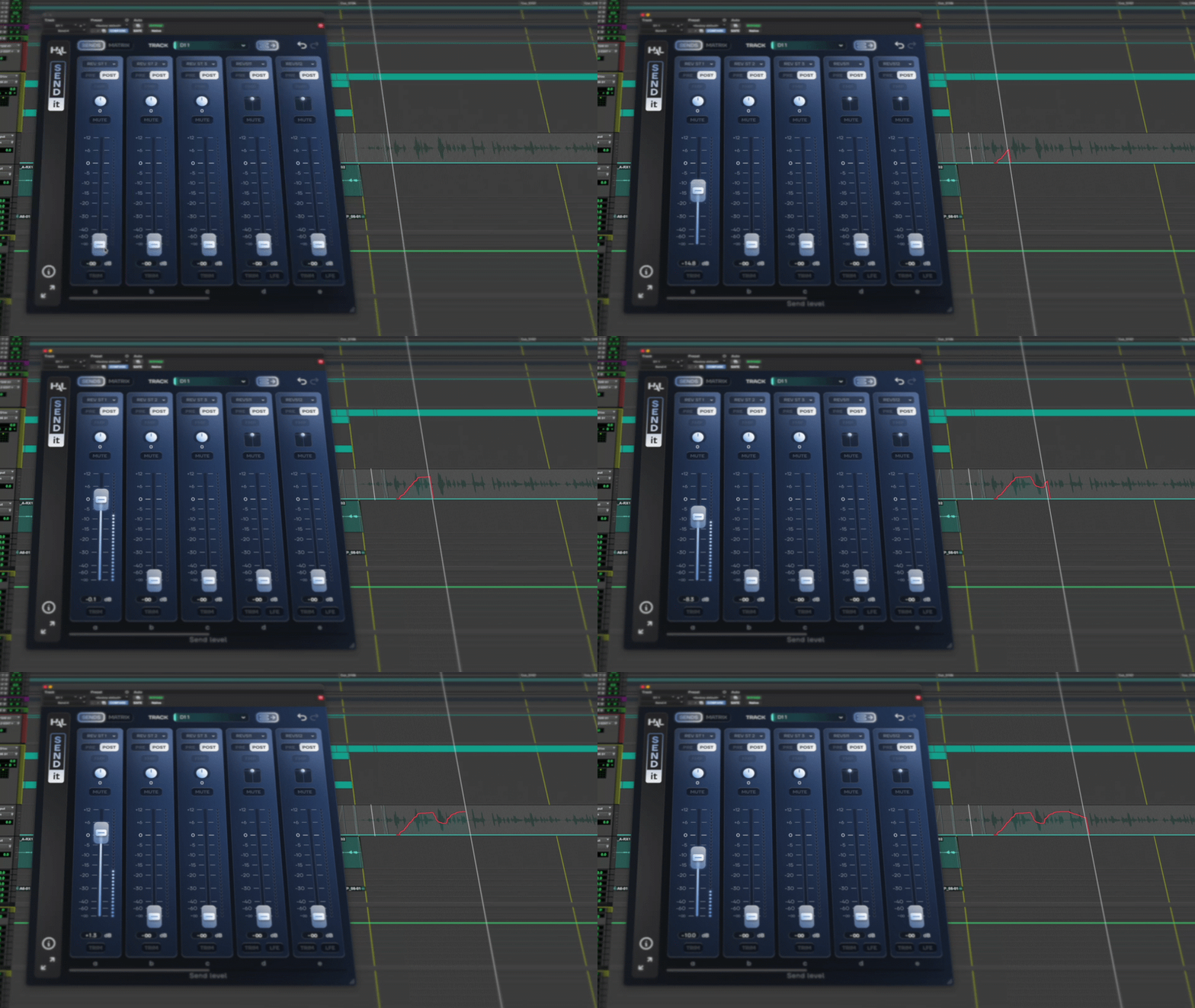
BUILT FOR PRO TOOLS
SEND-IT is a dedicated AAX plug-in designed to integrate seamlessly into Pro Tools.
Everything SEND-IT writes is native Pro Tools automation* so your mix stays the same even when SEND-IT is removed or deactivated.
*apart from the Pre/Post fader state
Your Favorite Bus Driver
 SEND-IT is an AAX plug-in for macOS.
Size : 28 MB.
SEND-IT requires a free iLok account. What is iLok?
What is iLok?
All HAL Audio plug-ins and software use iLok for copy protection.
iLok is a fast and free third-party license management system that allow users to store their product activations on an iLok dongle, iLok Cloud or on their computer.
To begin using your plug-in or software, simply activate your product license using the free iLok License Manager software that you can download on ilok.com. In iLok Licence Manager, go to Licences > Redeem Activation Code, and then enter your activation code. You can now start using you product!
macOS 13.0 or higher (Intel / Apple Silicon) (64-bit).
Pro Tools 2024.10 or higher.
iLok 2 or higher (dongle, computer or cloud protection).