
Dialogue shaping tool
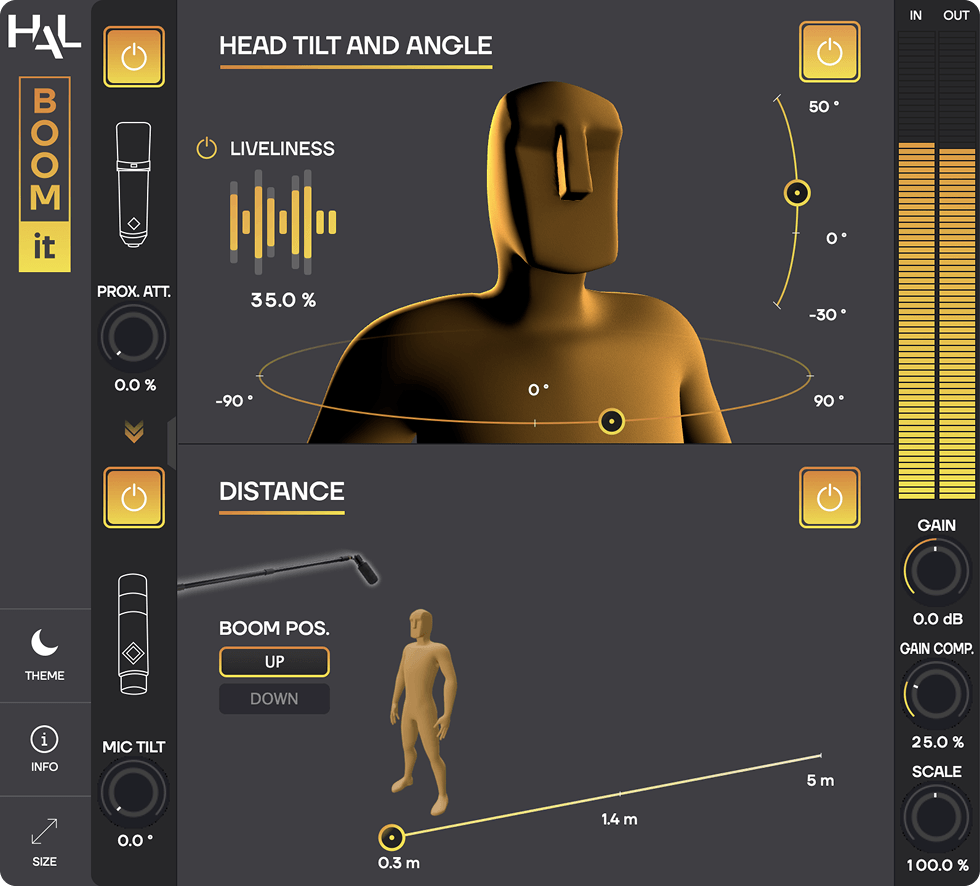
BOOM-IT is an audio plug-in designed to add natural movements to static voice recordings.
In a realistic and super intuitive way, it dynamically changes the color and perceived position of a voice, while editing and mixing dialogue.
With BOOM-IT, transform ADR and dubbing studio takes into lively on-set recordings.
When you are mixing overdubs or ADR and the takes won’t sit right in the mix because they sound too static or dull: BOOM-IT comes into play and gives life back to the actor’s performance.
BOOM-IT allows you to recreate the actor’s natural movements by changing their body rotation, head tilt and distance, so their voice sounds just as it would if it had been recorded by a boom operator on set.
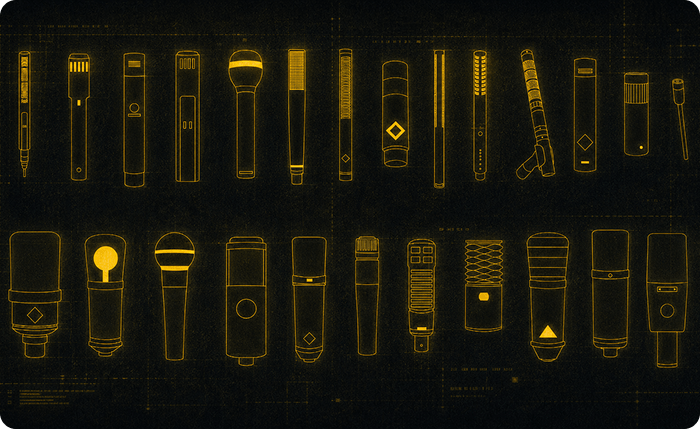
We got our hands on dozens of studio and set microphones, ranging from vintage ribbons and classic large diaphragm capsules, to industry standard boom mics, used on cinema sets all over the world. We then recorded hundreds of impulse responses in an anechoic chamber in all possible configurations of angle, position and distance between the sound source and the mic.
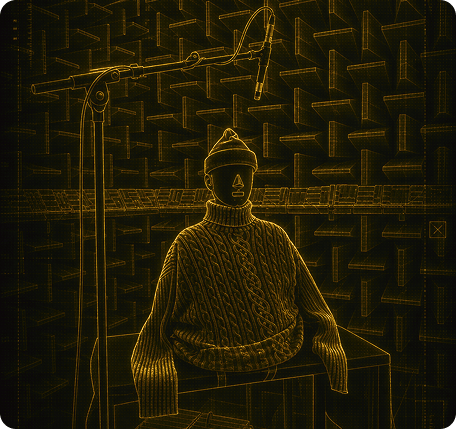
We used a Head And Torso Simulator (HATS) to recreate the natural incidence of the actors’ body movements on the sound of their voice. Using extremely precise measurement microphones, we captured a huge amount of IRs from the HATS, covering all possible head tilts and body rotations. Then, using our IR morphing technology, BOOM-IT lets you go smoothly from one IR to another to simulate every possible head or torso movement.
BOOM-IT won the Innovation Prize at the César & Techniques 2024 night (the French Academy Award ceremony for the film technical branch). We’re delighted that this plug-in has been so well received by film professionals and has been able to find its place into so many major and indie studios around the world!

 BOOM-iT is an audio plug-in available in VST3, Audio Units, AAX and AudioSuite formats, for macOS and Windows.
Size : 104.4 MB (macOS), 38.6 MB (Windows)
BOOM-IT requires a free iLok account. What is iLok?
What is iLok?
All HAL Audio plug-ins and software use iLok for copy protection.
iLok is a fast and free third-party license management system that allow users to store their product activations on an iLok dongle, iLok Cloud or on their computer.
To begin using your plug-in or software, simply activate your product license using the free iLok License Manager software that you can download on ilok.com. In iLok Licence Manager, go to Licences > Redeem Activation Code, and then enter your activation code. You can now start using you product!
macOS 10.13 or higher (Intel / Apple Silicon) (64-bit).
Windows 7 or higher (64-bit).
iLok 2 or higher (dongle, computer or cloud protection)
BOOM-IT is perfect for matching production, setting group into a scene, or creating depth for animation projects. The nuanced and responsive processing coupled with a simple, intuitive interface make BOOM-IT the ADR plug-in I have been waiting for!
We used BOOM-IT throughout the film Deadpool & Wolverine. It was a critical tool for nearly all of Deadpool’s ADR to match into the sound of his production mask. BOOM-IT has quickly become one of my favorite plug-ins.
Life is movement… with just the right amount of chaos! That’s exactly what BOOM-IT brings to overly static recordings — and it is the only intuitive plug-in dedicated to doing just that.